
Graphic Designing
Home / Graphic Designing
Professional Graphic Designing Course in Chandigarh
Are you ready to turn your creativity into a career? At Cyber Core Technologies, our Graphic Designing Course equips you with the skills, tools, and industry knowledge needed to thrive in the dynamic world of visual communication. Whether you're a student, professional, or entrepreneur, this course is designed to help you bring your ideas to life.

100% Practical Training

Portfolio Building
Industry-Certified Instructors
Internship & Job Assistance
Flexible Batch Timings

Online and Offline Modes Available
Transform Your Future with Industry-Ready Tech Training
Emerging technologies with expert trainers and practical learning designed to make you confident and job-ready.
SALARY PACKAGE
AVERAGE JOBS IN INDIA
IN-DEMAND JOB
BILLIONS ($) INDUSTRY
Cyber Core Technologies
Why You Should Learn Graphic Designing
In today’s digital world, graphic designing is more than just a creative skill — it’s a powerful career asset. Whether you’re an aspiring designer, marketer, entrepreneur, or content creator, learning graphic design opens doors to endless opportunities.
Why Choose
Graphic Designing Training Course?
Learn In-Demand Industry Skills
A training course equips you with the latest tools, techniques, and trends used by professionals across industries.
Hands-On, Practical Learning
A structured training program gives you real-world projects, expert feedback.
Master Professional Design Software
You’ll gain practical experience with industry-standard tools, Adobe Photoshop, Adobe Illustrator, Adobe InDesign, Figma
Build a Job-Ready Portfolio
A good course helps you build a professional design portfolio that you can showcase to clients or employers.
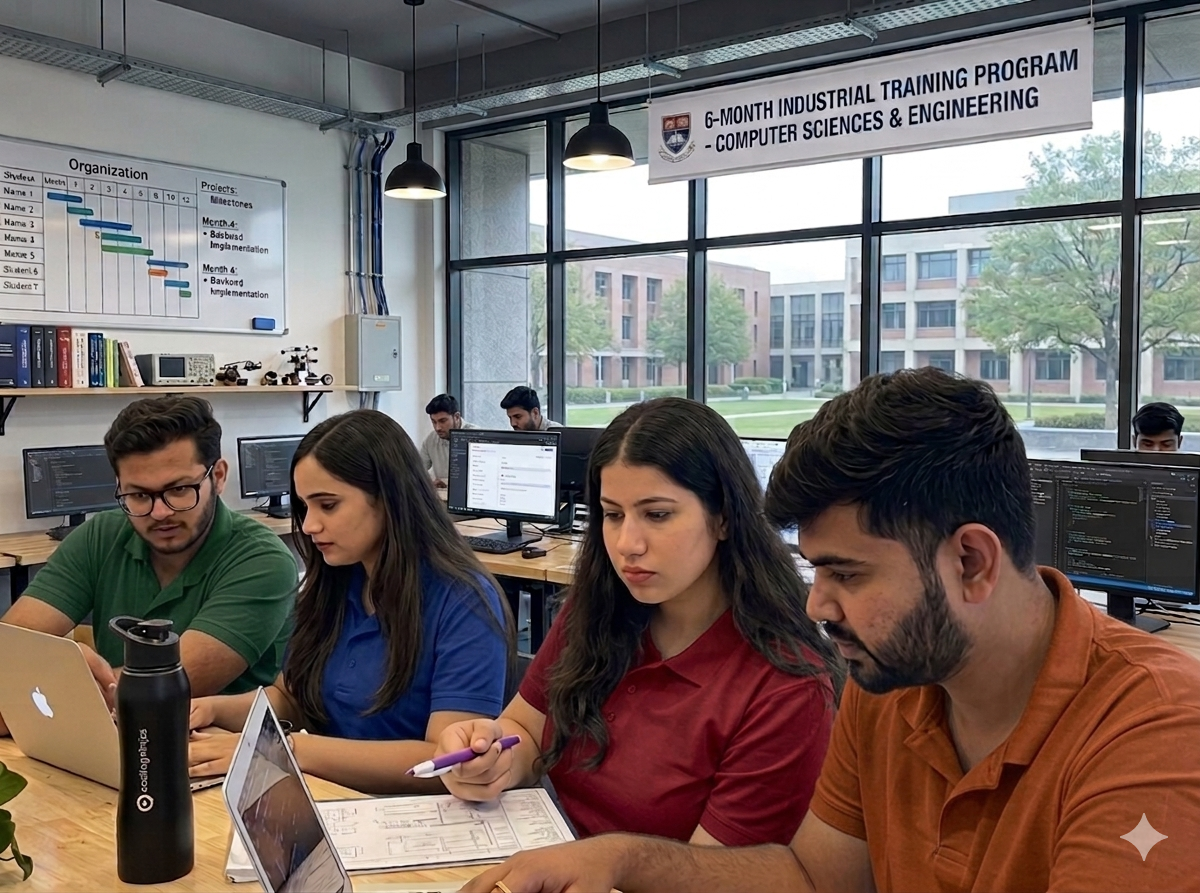
Get Career & Freelance Support
Courses often include career support such as: Certification, Resume & interview prep, Freelancing guidance, Job placement assistance
Structured, Fast-Track Learning
Most institutes offer both online and offline batches, plus weekend classes, making it easier to learn graphic design even if you’re a working professional or student.
Who Can Join
Who Can Join Graphic Designing Training Course
Ready To Get Free Consulations
For Any Kind Of It Solutions ?
Are you ready to start your course
Artificial Intelligence Course Modules
What You’ll Learn in Graphic Designing Training
- Introduction & Design Fundamentals
- Typography + Photoshop
- Adobe Illustrator & Vector Design
- Layout Design & Adobe InDesign
- Branding Projects & Digital Design
- Portfolio Building & Career Preparation
Month 1: Introduction & Design Fundamentals
🎯 Goal: Build a strong foundation in design theory and basic tools.
Introduction to Graphic Design
Principles of design (balance, contrast, alignment, etc.)
Elements of design (color, typography, shapes, etc.)
Introduction to Adobe Photoshop:
Basic tools
Image editing
Working with layers and masks
Simple design projects (e.g., posters, social media graphics)
Month 2: Typography & Color Theory + Photoshop
🎯 Goal: Master visual language using text and color.
Typography basics: fonts, spacing, alignment
Creating text-based designs
Advanced Photoshop tools and techniques:
Retouching
Filters and effects
Compositing images
Introduction to branding: logos, color palettes
Mini projects (e.g., typographic posters, branding mood boards)
Month 3: Adobe Illustrator & Vector Design
🎯 Goal: Learn vector graphics for scalable, professional design.
Introduction to Adobe Illustrator:
Pen tool, shapes, paths
Logo design
Icons and illustrations
Design for print vs digital
Project: Create your own logo and business card
Month 4: Layout Design & Adobe InDesign
🎯 Goal: Create visually appealing layouts for print/digital media.
Introduction to Adobe InDesign:
Multi-page layout
Grids and guides
Paragraph and character styles
Designing brochures, flyers, magazines
Advanced print design (bleeds, margins, CMYK setup)
Project: Design a brochure or magazine layout
Month 5: Branding Projects & Digital Design
🎯 Goal: Apply skills to real-world design tasks.
Visual identity systems
Branding mockups
Introduction to digital media design:
Social media templates
Web banners
Introduction to UI design tools (e.g., Figma or Adobe XD)
Project: Full branding kit (logo, business card, social posts, brand style guide)
Month 6: Portfolio Building & Career Preparation
🎯 Goal: Prepare for freelance or job-ready opportunities.
Creating a portfolio (print and digital)
Revising and polishing best projects
Presentation skills for designers
Introduction to freelancing platforms and client communication
Resume and interview tips for graphic designers
Final Project: Capstone design project or client brief
Graphics Designing Advantage
Career Opportunities After This Course
Creative Designer / Visual Designer
UI/UX Designer (with additional training)
Social Media Designer
Brand Identity Designer
Print Media Designer
Web Graphics Designer
Freelance Graphic Designer
Work in Creative Agencies or MNCs
Teaching & Training
Cyber Core Technologies
Tools & Platforms You'll Learn
Adobe Photoshop
Adobe Illustrator
Adobe InDesign
Adobe XD / Figma (Optional – UI/UX Module)
Canva (Bonus Tool for Beginners)
Online Design Platforms & Resources
Career Services
Helping you become industry ready
mock interviews
Get ready for interviews by practising in mock sessions with industry experts
Resume building
Get personalised inputs on improving your resume
placement assistance
Get ready for interviews by practising in mock sessions with industry experts
Industry mentor sessions
Connect with top talent working to get career and project guidance
Our Students Are Getting Hired by Top Tech Companies
We partner with leading companies to unlock internships, placements, and real tech jobs. Our students are already working in industry roles.
BEFORE YOU ASK
Here’s what you need to know
A small river named Duden flows by their place and supplies it with the necessary regelialia. It is a paradise

Graphic Designing is the art of visually communicating ideas through images, typography, colors, and layouts. It involves creating designs for print, digital media, branding, advertising, websites, and social platforms.
Anyone with a creative mindset can join! Whether you're a student, working professional, entrepreneur, or freelancer — no prior design experience is required.
Basic computer knowledge is enough. You don’t need a design background or advanced technical skills. Our course is beginner-friendly and starts from the fundamentals.
You will get hands-on training in:
Adobe Photoshop – for image editing and creative design
Adobe Illustrator – for logos, icons, and vector graphics
Adobe InDesign – for brochures, magazines, and print layouts
Canva – for quick and easy graphic creation
Adobe XD or Figma (optional UI/UX module)
Yes! Canva is perfect for beginners. It offers drag-and-drop functionality and pre-made templates, making it easy to create professional-looking designs without complex tools.
You can work as a:
Graphic Designer
Social Media Designer
Branding/Logo Designer
UI/UX Designer (with additional learning)
Freelancer or Creative Entrepreneur
Print Media Designer
Got Doubts
We are here to help you out